| Geomagic Design X |
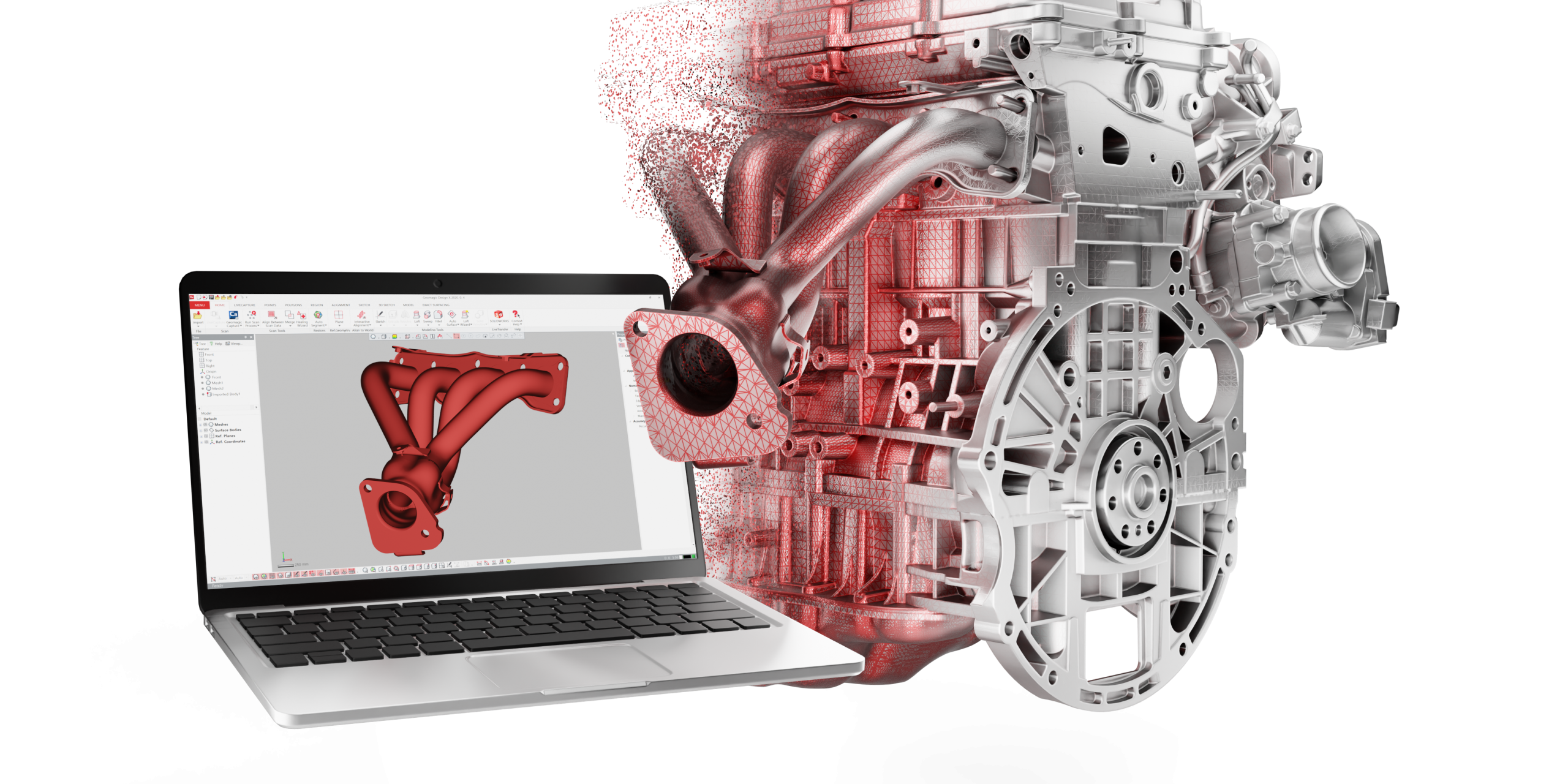
| Whats New! This version is packed with meaningful enhancements that make it easier to convert physical parts into digital parametric CAD models. Contact Wysiwyg 3D for more information Key Highlights: Shrink Wrap tool Prepare the scan for reverse engineering workflows, package designing, shelling, 3D printing, etc. by creating single watertight mesh from one or more meshes by capturing only external faces and repairing mesh topology. Better scan data processing Process scan data with the desired quality, intent and quicker so that it is ready for downstream reverse engineering workflows Decimate command that retains design intent, produces robust, adaptive, higher-quality results with 2X-4X faster performance. Appropriate warning messages and more useful Average Mesh preview. Improved processing performance for Global Remesh and Normal Information Wizard. Feature modelling enhancements Achieve the desired reverse engineered model inside Design X as much as possible. Pattern Faces in Linear, Circular, Curve, and Mirror patterns. Retain Tool and Target Bodies in Boolean feature. Choose target bodies for the Merge and Cut Result Operator when creating features. 3D Polyline tool with improved controls, editing, Live Transfer and export options. Surfacing Get the desired model by correctly fitting a surface for the chosen patch network. Modelling wizards Pipe Wizard delivers more accurate and robust pipe modeling directly from scan data, even when the scan data is incomplete or non-continuous, while maintaining tangency constraints along the pipe centerline. Output the path as 3D Polyline in the Sweep Wizard, which allows for more precise definition of the Sweep. Live Transfer Continue modeling workflow in your CAD software by using Live Transfer to latest CAD software versions, i.e. SolidWorks 2025, Creo 12 and Inventor 2026. Scanner Direct Control Seamless workflow using a plugin with the Hexagon/ZG Handhels Scanners (ATLASCAN, MARVELSCAN and HYPERSCAN). Pass scan parameters between Geomagic Design X and HHScan (scanner software) Initiate scanning from within the Geomagic Design X environment. Pass the finalised scan data direct from HHScan into Geomagic Design X. You can find more information on installing and using the plug-in here. Data Exchange Facilitate workflows with third party software by importing native files from latest CAD software versions and Faro Scene and exporting reference geometry to standard formats. UI/UX Several UI/UX improvements including robust and reliable experience with the 3D mouse. Catch up with the Geomagic Design X RE Lab on-demand playlist. Watch now |
WYSIWYG 3D
3D Laser Scanning, 3D Inspection and 3D Printing Specialists
Geomagic Design X Whats New
You are here:
- Home
- Company News
- Geomagic Design X Whats New